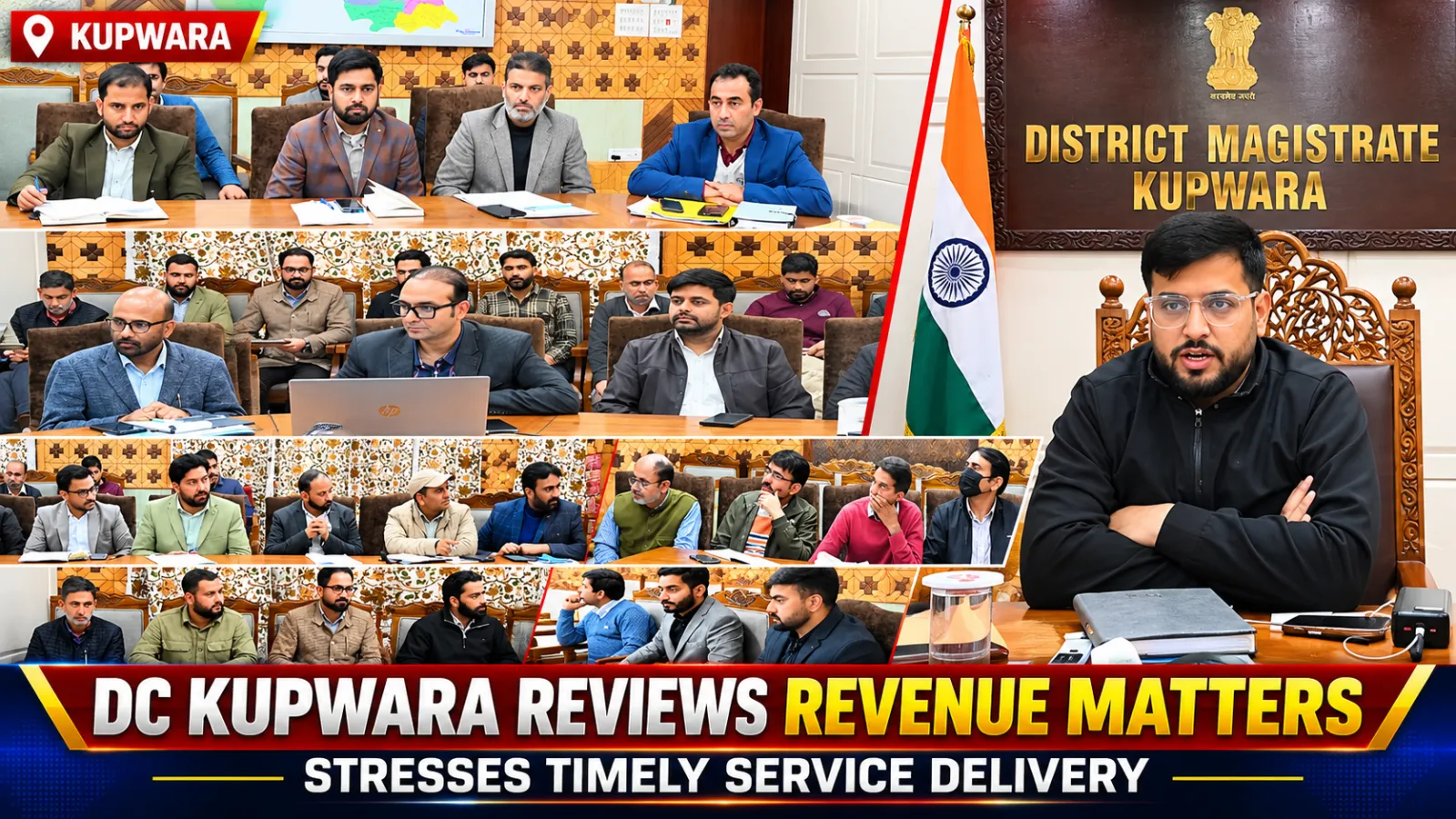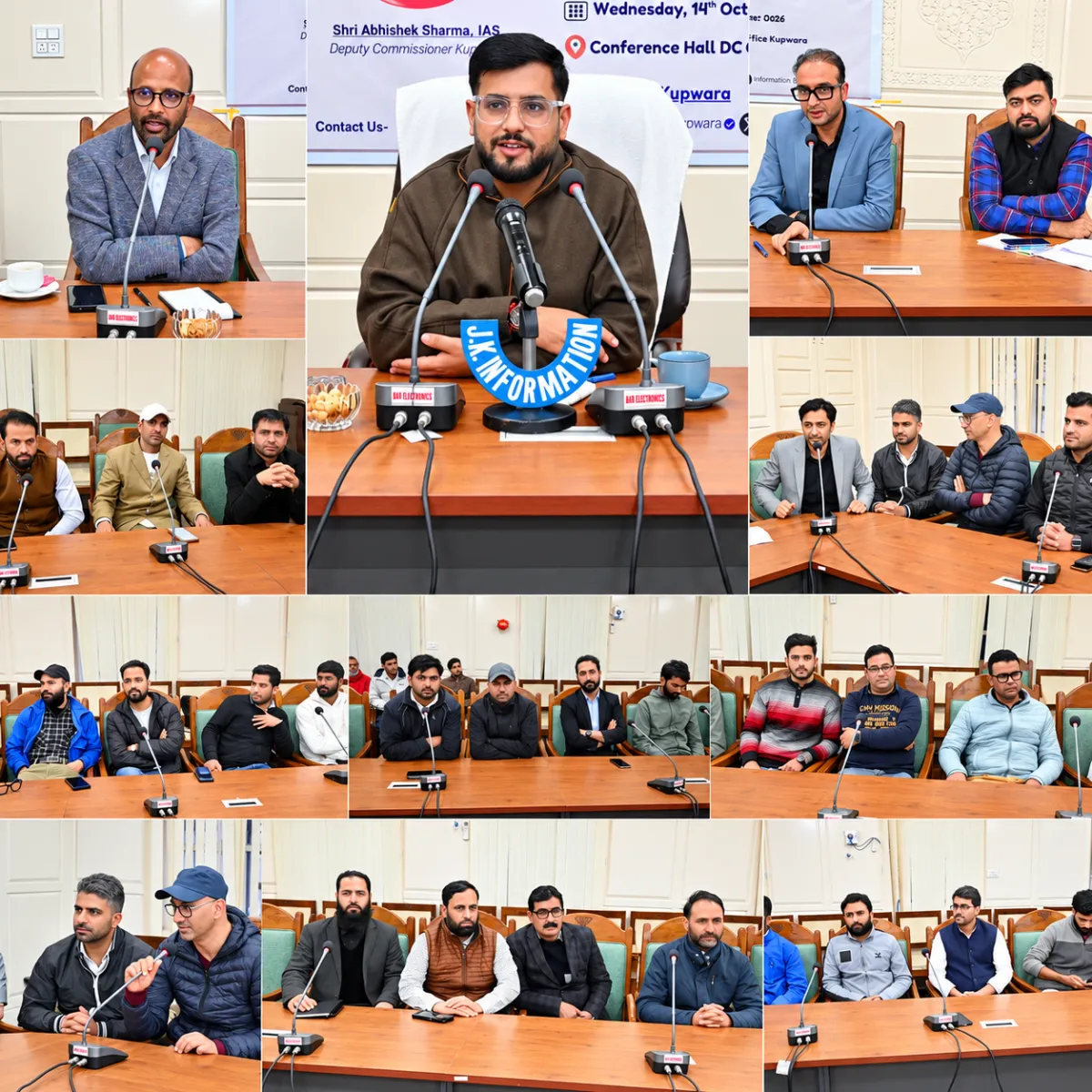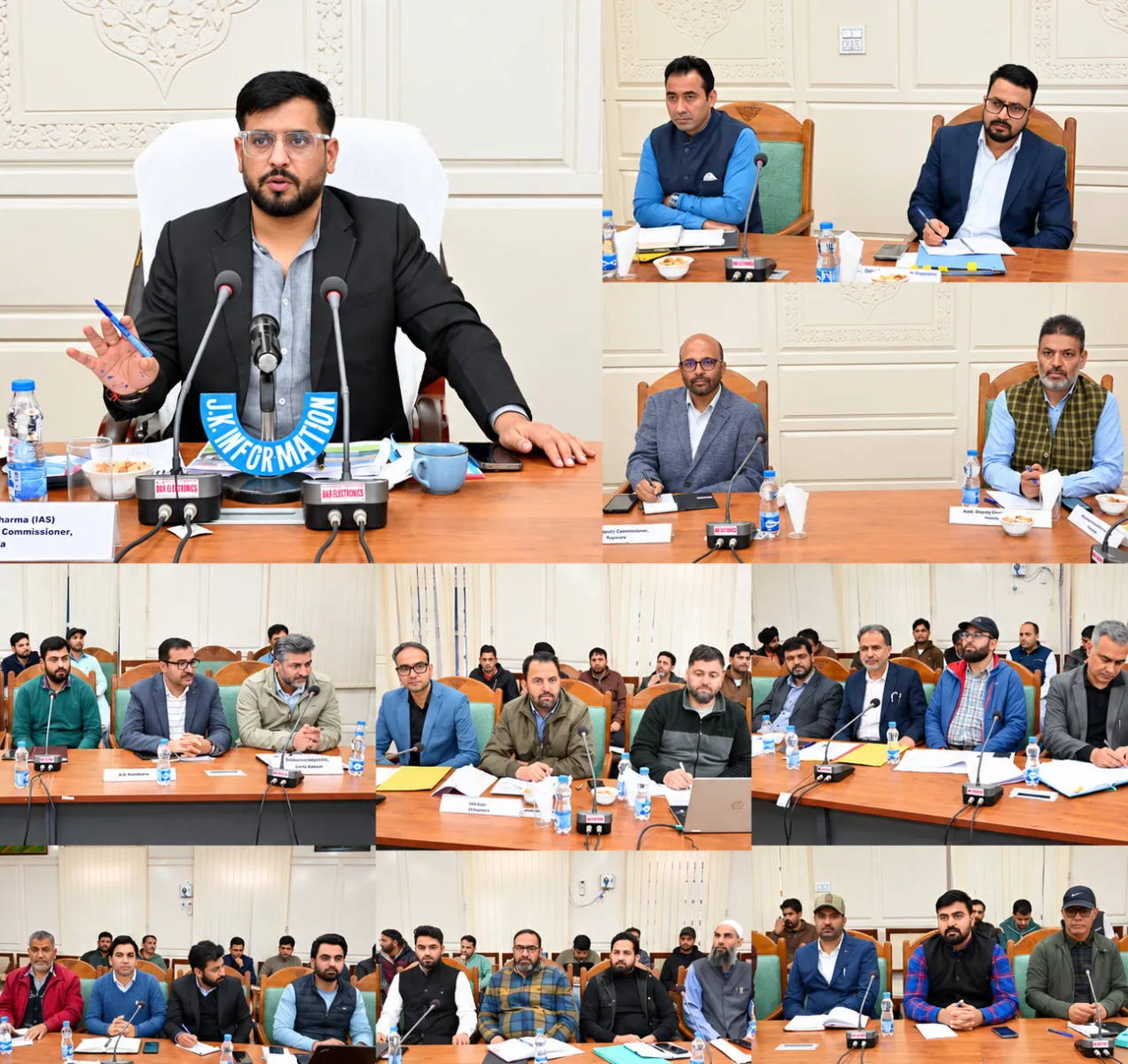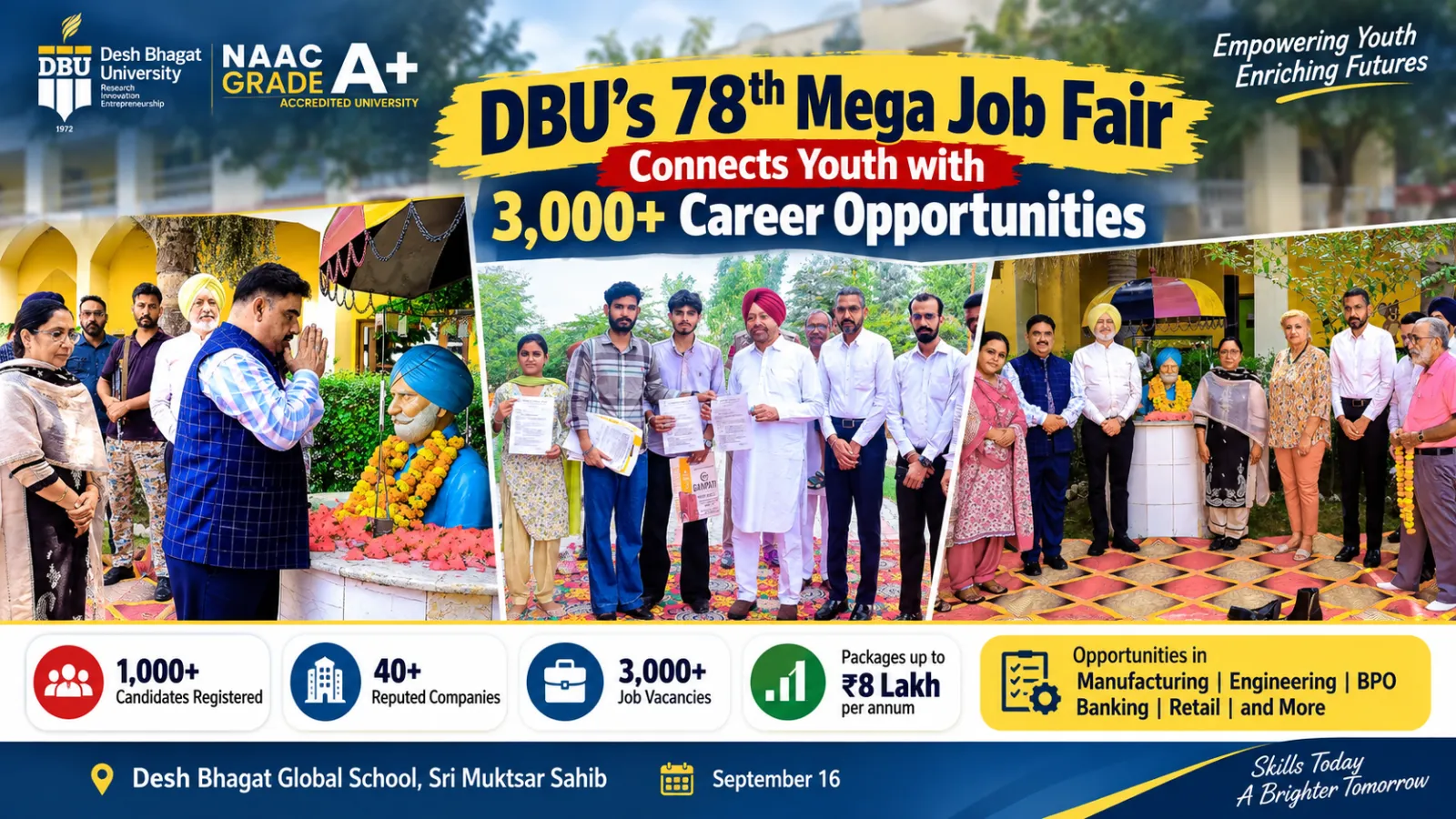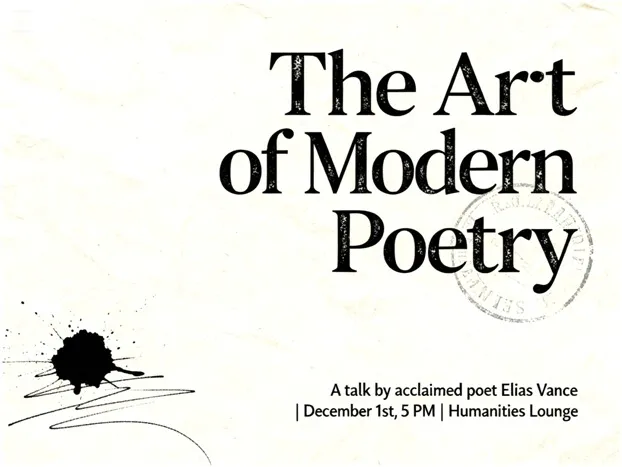
Visual communication hassurreptitiously become an integral professional skill in today’s digital-first job market. Whether you arecompeting for scholarships, advertising a campus lecture, or looking to expand your freelance business, the image quality of your newspaper posters is crucial to potential success. Long gone are the days when it took a mastery of design and months to produce stellar graphics that could grab attention and driveclicks on social media platforms. Things have changed for the better, however, with AI-driven creative tools streamlining much of the process from concept all the way through to execution.
For students, young professionals, andindependent creators alike, taking the time to figure out how to produce good visual content is no longer a nice-to-have; it’s a necessity. It’s something you can actually use in the real world – on your resume, when communicating with peers and senior management, asa way to brand yourself inside and outside of your company.
Why Poster Design Matters in Career Development
Posters are not confined tobulletin boards anymore. Today, they’re spotted through LinkedInposts, scholarship announcements, startup pitches, online campaigns, and community initiatives. There is clarity and presentation to draw in recruiters, program managers, and organisers long before they readdetailed content.
From my perspective, when helping with academic projects and community programs, posters often make the first impression. Good visuals can say “professional” the moment they are seen; bad ones can undermine credibility, evenif the content is solid.
This shift has created a new demand: people who may not be designers but still need reliable ways to produce high-quality visuals on short timelines.
Lowering the Design Barrier Without Lowering Quality
Generic design workflows typically requirecomplicated software, a steep learning curve or paid designers. For some students or fledgling professionals who need quickresults, these barriers can be demoralizing.
AI-based modern platformsare altering that equation. They enable users to begin with an idea or a brief and createpolished posters in minutes. Instead of fighting over laying out rulesor typography, users could concentrate on messaging, clarity, and purpose.
During hands-on testing, I found that AI-assisted poster tools are especially useful for:
Career fair announcements
Scholarship and fellowship calls
Online workshops and webinars
Portfolio visuals for freelancers
Awareness campaigns for nonprofits
The real advantage is not just speed, but consistency. Visual balance, spacing, and readability are handled intelligently, even for users with no formal design background.
Turning Ideas Into Visuals With Minimal Effort
One standout feature in this space is the ability to generate posters directly from a short description or theme. Instead of manually assembling elements, users describe their goal, such as a “career development webinar for students” or “research grant announcement,” and the system produces multiple visual options.
This approach saves time while still allowing customization. Colors, text placement, and imagery can be adjusted to fit institutional or personal branding needs. For professionals juggling multiple responsibilities, this efficiency is invaluable.
Used thoughtfully, AI-assisted poster creation becomes less about automation and more about empowerment.
Editing and Refining Images for Professional Use
Poster creation does not stop at layout. Image quality plays a critical role in how professional a visual appears. Blurry photos, poor lighting, or inconsistent backgrounds can weaken the final result.
This is where an integrated AI image editor becomes useful. Functionally, this is a great tool to clean up photos,get lighting right, remove distractions and maintain quality control from all visual assets. For instance, the headshots in academic posters or event advertisementscan be polished without any outsource editing tools.
What makes this particularly helpful for career use is the simplicity. Instead of spending hours learning advanced editing tools, users can make meaningful improvements in minutes, keeping the focus on content rather than technical hurdles.
Enhancing Visual Quality Without Reshoots
Not every project allows for new photography. Many students and professionals rely on existing images, which may not always meet ideal quality standards. An AI-based photo enhancer can noticeably improve clarity, sharpness, and overall appearance without altering authenticity.
In my own work, I’ve used this feature to create graphics for online announcements and presentations. Fancier images appear better on screens, and retain their quality across multiple devices — high stakes for digital-firstplatforms.
The key benefit here is accessibility. High-quality visuals are no longer limited to those with professional cameras or editing experience.
Device Compatibility and Flexible Access
Professional tools have to meshwith actual workflows. AI-enhanced poster and image toolsthat work best on multiple devices. The tested platform workswith web browsers on your PC’s as well as Mobile to enable users start a project on the laptop and then make fast changes from the phone when in need. This versatility is especiallyhelpful for students and freelancers who move frequently between disparate environments, such as libraries and coworking spaces.
Responsible Use in Professional Contexts
As AI makes creative tasks easier, ethical useis key. Posters for academia, industry and the public should of course, be correct, respectful, and ethical. AI can help with visuals, but message clarity and honesty remain theuser’s responsibility. When they are used as such, they aid communication rather than supplant judgment orvolition.
Why This Skill Belongs on Your Resume
Theability to produce professional-looking images on your own is a powerful, portable skill. That it shows that you have a sense ofdigital literacy and are also able to communicate. This skill can subtly reinforce applications and outreach efforts for an audience that is opportunity-minded, particularly when it’s a program people are applying to—think programs, internships, or grant opportunities.
Dreaminais part of a larger trend in which the technology is changing how we learn and apply creative skills. “Rather thandesign being gatekept behind technical complexity, these tools become a way to make visual communication more accessible and actionable for career success.”
From what I’ve seen, the true purpose is not to substitutecreativity but to get rid of friction. When tools do the technical scaffolding, users canconcentrate on ideas, purpose, and impact.
Final Thoughts
At a time when career paths are more competitive andreliant on digital skill-building than ever, the importance of delivering ideas clearly in professional settings can be seen as an obvious advantage. AI tools like Dreamina could help you make posters, takethe perfect photo, and do location-based information-hunting. Used responsibly, they provide a bridgebetween ideas and execution, imbuing more people with the confidence to share their work with clarity and polish.
For students, job seekers and creators of all kinds, that confidence can allow new doors to open.